Use case
From messy draft to polished manuscript
without the tool shuffle
Most authors juggle three or four apps to get from first draft to something they'd show an editor. Manuscribe puts the whole workflow in one place so you can focus on the story.
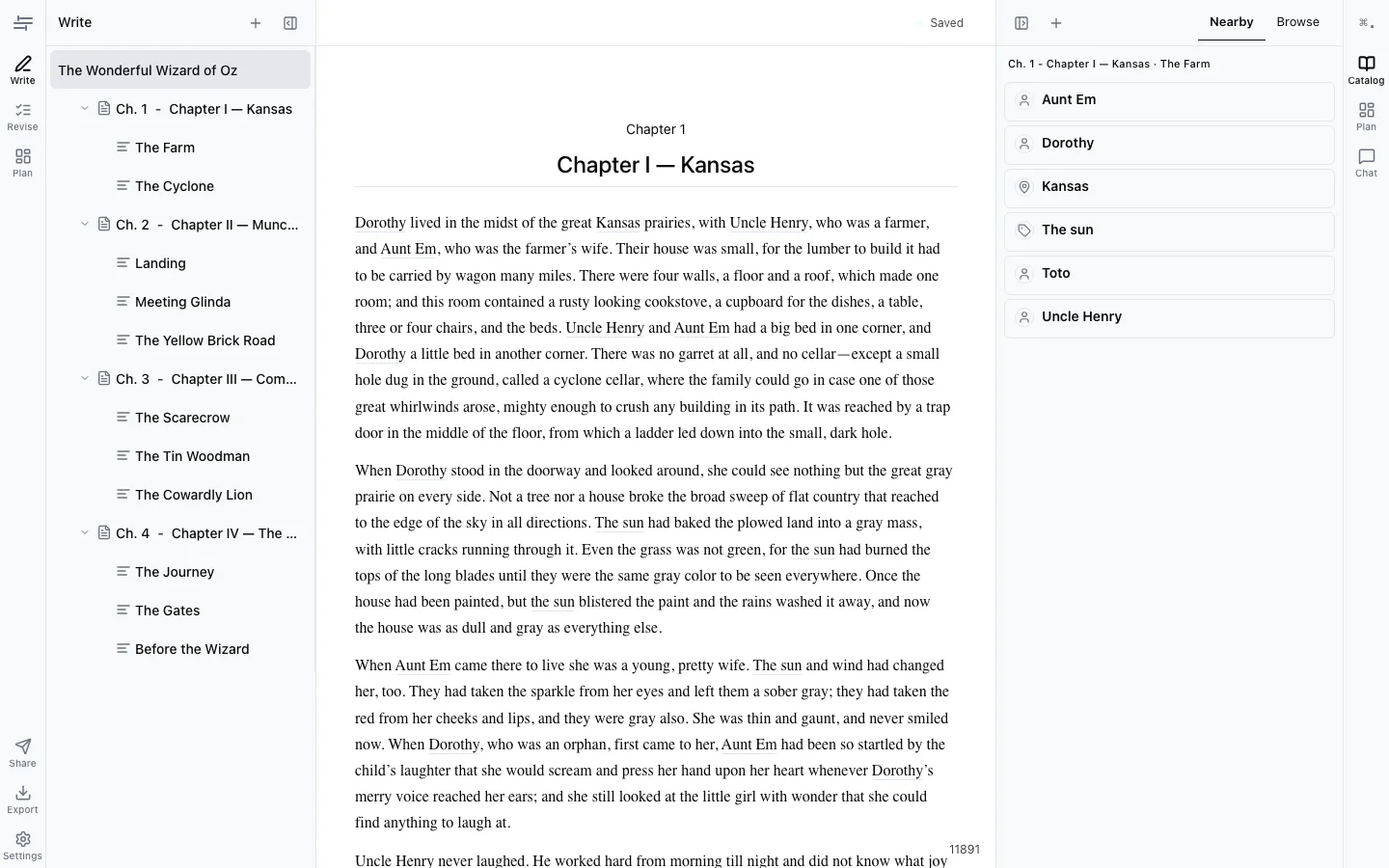
The revision workflow, before and after
Before
You finish a draft and realize you need structure notes, but your outline lives in Scrivener and your draft is in Google Docs.
With Manuscribe
Your outline, catalog, and draft live in one workspace. Click the sidebar to see your scene plan while you write.
Before
You paste a chapter into Grammarly. It catches typos but misses that your protagonist’s motivation disappeared three chapters ago.
With Manuscribe
Switch to Revise mode. Feedback covers structure, pacing, and voice — not just grammar. “This scene’s goal is unclear” is more useful than “comma splice.”
Before
You email a .docx to your beta reader. They mark it up in Word. You manually merge their suggestions back into your master copy.
With Manuscribe
Share a chapter link. Your reader leaves inline suggestions. Accept or reject each one — changes resolve into your manuscript automatically.
Before
You’re revising chapter 12 and can’t remember if the tavern is called The Hollow Crown or The Hollowed Crown. You search three different files.
With Manuscribe
Open the Catalog. Every character, place, and term is tracked automatically with the scenes they appear in. One click to check.
Built for authors in the thick of it
Manuscribe is for novelists and nonfiction authors who have words on the page and need to get them to the finish line — not a blank-page brainstorming tool.
Revising a draft
You’ve written something. Now you need structure notes, line edits, and a way to track what changed.
Working with readers
Beta readers or editors are giving feedback. You need a clean way to receive and resolve their suggestions.
Organizing a series
Characters, locations, and rules are piling up. You need a world bible that stays current as you write.
Ready to consolidate your workflow?
7-day free trial. No credit card required.